
AI chat assistant
Ask in plain words. It reads your project, calls tools and proposes edits you apply in one click.
 Ayakaleaf Pro
 Introduction
Ayakaleaf Pro is a forked Overleaf Community Edition enhanced with almost all Pro features — open source, free to use, and self-hostable.
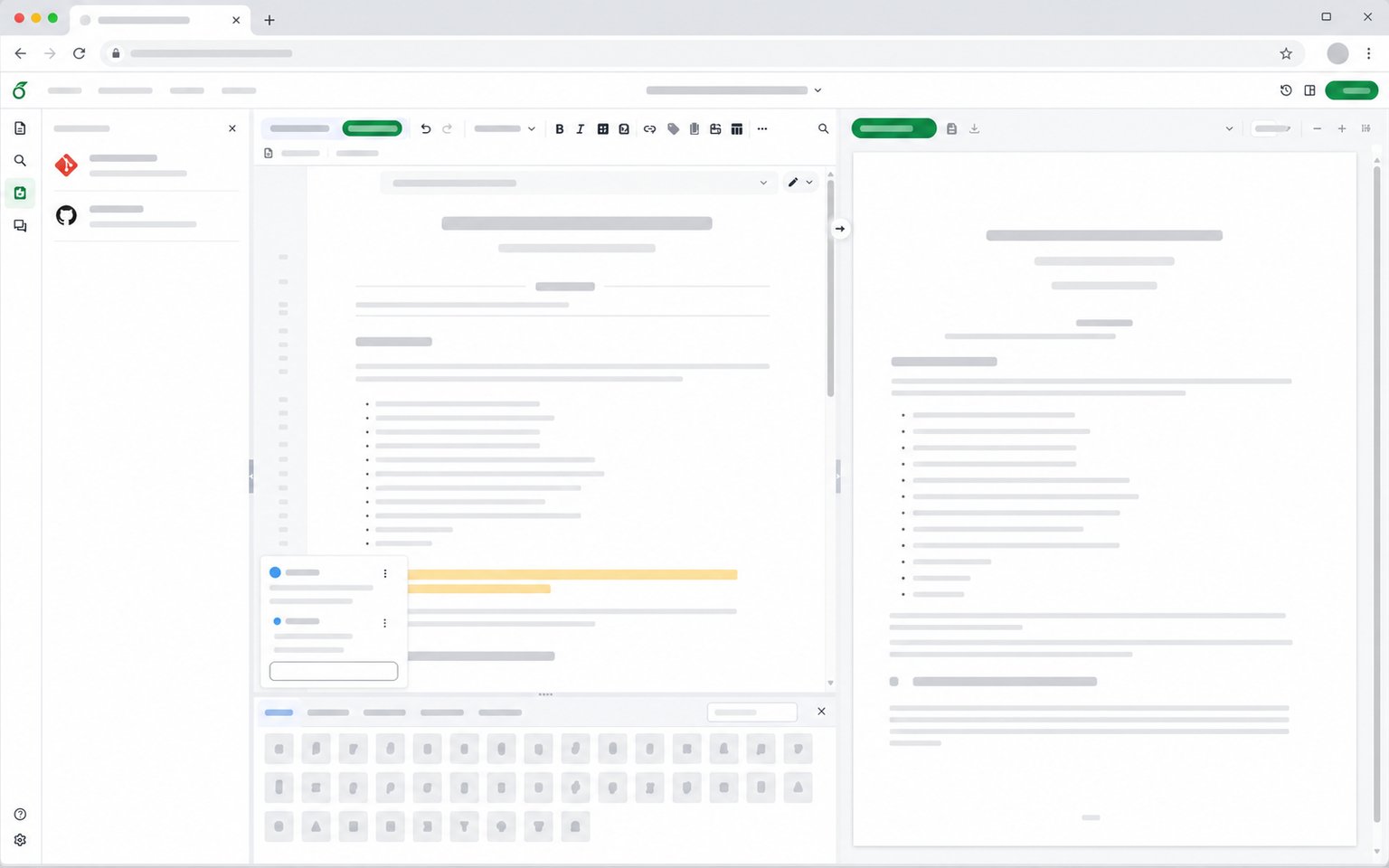
Overleaf Community Edition, enhanced with all Pro features
— open source, free, and self-hostable.
Ways to collaborate
Three common setups, and where each one runs out of road.
For solo work and small, technical teams already comfortable with Git.
For teams who want none of the operational work, and can budget for it.
For teams who want the full editor and keep their own data.
Whichever way you work today, Ayakaleaf Pro fits: individual researchers, lab groups, university departments and companies — on your own server, with no per-seat licence.
Ask in plain words. It reads your project, calls tools and proposes edits you apply in one click.
Explains compile errors from the log and suggests a fix based on your document.
Link your Zotero and Mendeley libraries through OAuth, then search every source and cite it without leaving the editor.
Insert symbols with one click, or draw one and pick the command. 1,622 symbols, recognised in your browser.
Bring documents in and out in many formats via Pandoc.
Review, comment, and accept or reject edits in a dedicated review panel.
Browse the complete history, then restore or download any version.
Publish and reuse templates through the built-in template gallery.
Push and pull your projects to and from GitHub repositories.
Clone, edit, and push your projects over plain Git.
Run Python scripts alongside your project.
Manage every user and project on the instance, including who can use AI features.
Sign in with LDAP, SAML or OAuth 2.0, and let people sign up with an email on your allowed domain.
Each compile runs in its own TeX Live container with no timeout, on x86_64 or arm64 servers.
Deploy your own Ayakaleaf Pro instance and own your data.