Admin panel
Manage every user and project, switch big features such as AI or Dropbox on or off per user, and see each change in the audit log.
 Ayakaleaf Pro
For universities
One instance for every department, signed in with campus accounts and run by your IT team, with no per-seat licence however many people use it.
Ten users or ten thousand: the software is free, and you pay only for the servers.
LDAP, SAML or OAuth 2.0 against your identity provider, with sign-up limited to your domains.
Admin actions, sign-ins and integration changes are written to the audit log.
Docker on x86_64 or arm64, inside your network, under your backup and data rules.
Operate
Manage every account and project, switch big features on per person, and pin each project to the TeX Live year it needs.
Manage every user and project, switch big features such as AI or Dropbox on or off per user, and see each change in the audit log.
Sign in with LDAP, SAML or OAuth 2.0, and let people sign up with an email on your allowed domain.
Pick the TeX Live version per project. Every compile runs in its own container with no time limit, on x86_64 or arm64.
Integrate
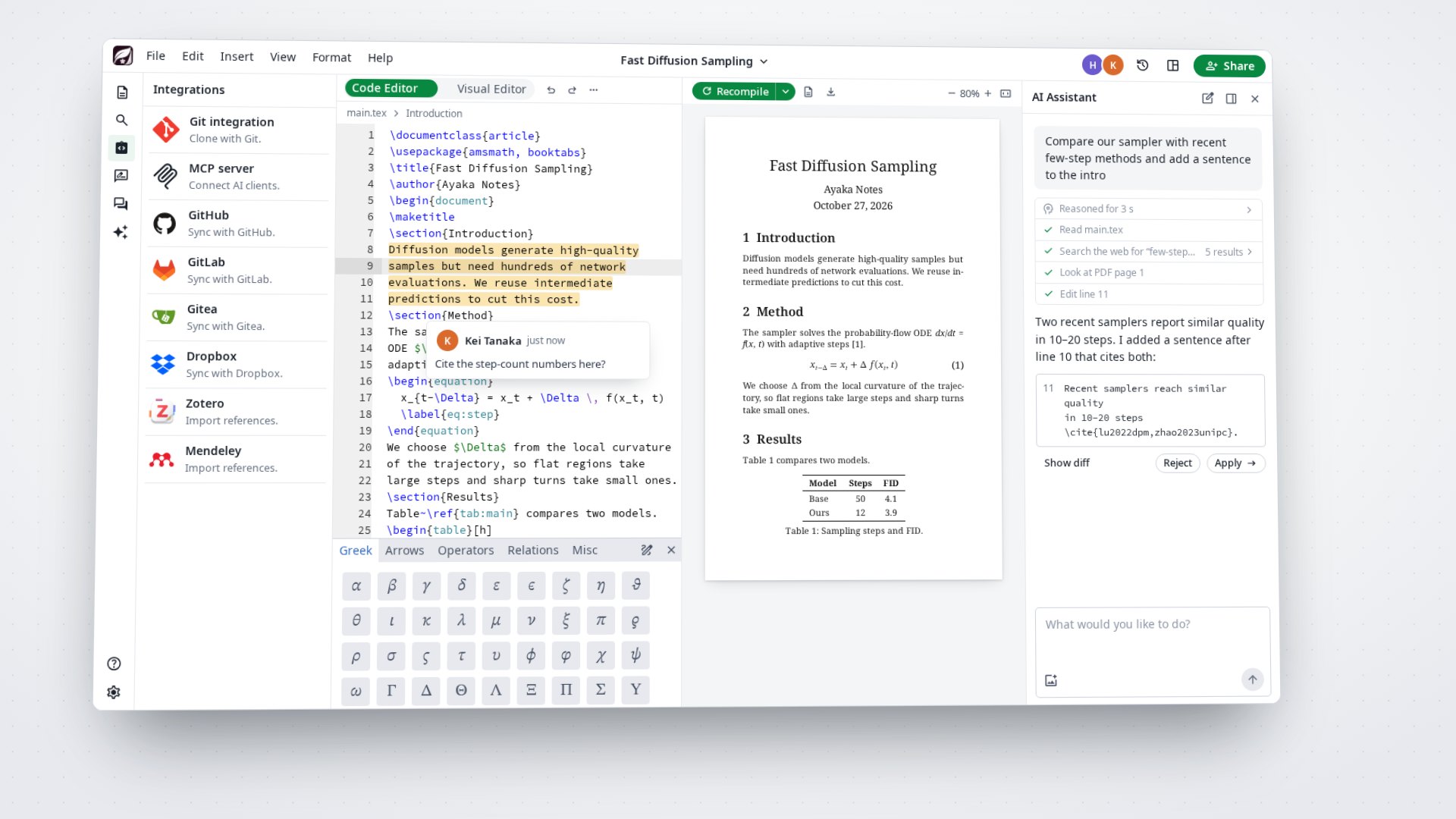
Connect the university’s GitLab or Gitea, link Zotero and Mendeley libraries, and keep Git access for the people who want it.
Link a project to a repository or a Dropbox folder: commits go out from the editor, and changes made elsewhere merge back in.
Link your Zotero and Mendeley libraries through OAuth, then search every source and cite it without leaving the editor.
Clone, edit, and push your projects over plain Git.
AI, governed
Point the assistant at a model endpoint you approve, and decide per user who gets AI features and how many tokens.
Ask in plain words. It reads your project, calls tools and proposes edits you apply in one click.
Explains compile errors from the log and suggests a fix based on your document.
Connect Claude Code, Codex, Cursor or any MCP client, and let the agent read, edit, compile and comment on your project.
Collaborate
Track changes, comments and full history work the same for a first-year essay and a faculty grant proposal.
Review, comment, and accept or reject edits in a dedicated review panel.
Browse the complete history, then restore or download any version.
Publish and reuse templates through the built-in template gallery.
Start on a single server with one research group and its templates.
Hook it up to your identity provider and limit sign-up to university domains.
Add servers as use grows, publish department templates and hand out admin roles.
Deploy your own Ayakaleaf Pro instance and own your data.